Music Production Lessons for Beginners: What You Learn
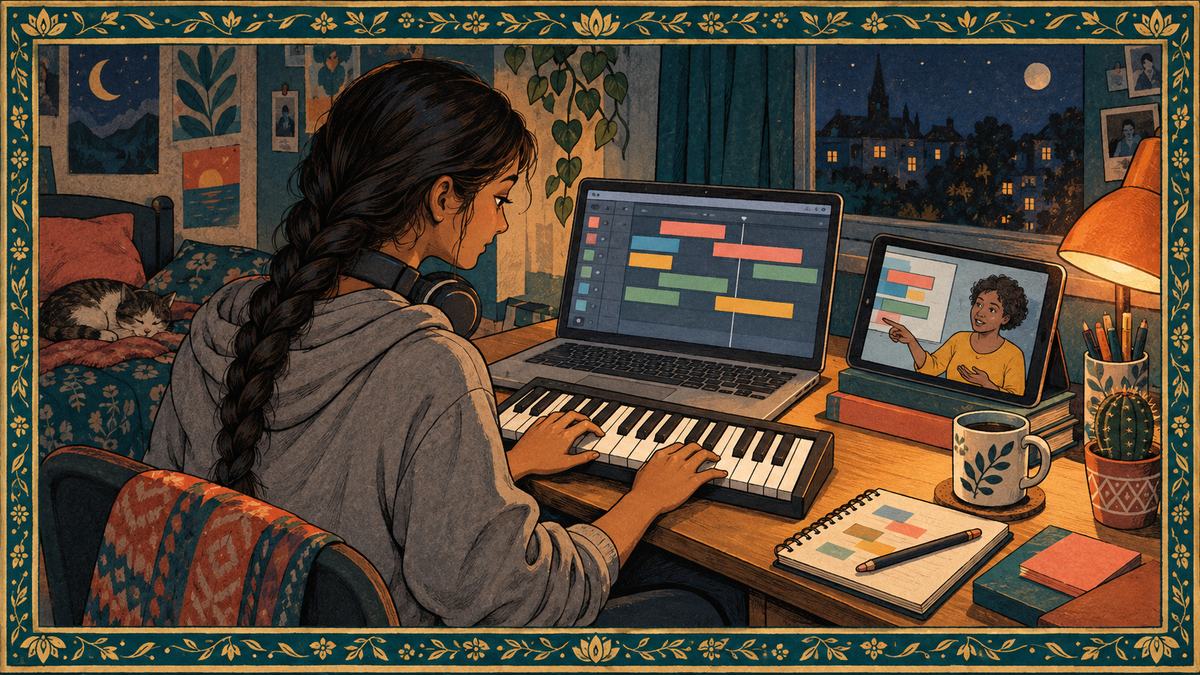
A music production lesson teaches you to build a finished track in software, from the first drum pattern to a file you can send to a friend. A teacher works inside free software on the laptop or tablet you already own and turns scattered tutorial knowledge into a sequence, with your own project as the material. The first month ends with a loop you made yourself, grown into a full section of a song.
What production actually covers
Production is a set of connected jobs, taught in roughly this order.
Beatmaking is programming drums and rhythm, most often from samples, a sample being a short recorded sound such as a single kick drum hit that you place on a grid and play back. Arranging is deciding what happens when: which parts enter, which drop out, which repeat, so that a loop becomes a song with an intro, verses, a chorus and an ending. Recording is capturing a real voice or instrument into the software. Sound design is shaping the sounds themselves, usually with synthesizers, instruments that generate sound electronically rather than playing back a recording.
Mixing is balancing each part in volume, tone and left-to-right placement so they sit together, and the finished balance is called the mix. Mastering is a separate last step in which the finished mix is treated as one stereo file and brought to a consistent loudness and tone for release. Beginners hear about mastering early and need it last.
The software, and why the free version is enough
The software where a track is built is a DAW, a digital audio workstation. A DAW does the same handful of jobs whatever its name: it holds recorded audio and MIDI on tracks along a timeline, plays virtual instruments and effects, and exports a finished file. MIDI is not sound. It is a set of instructions, which note, when, how hard, that an instrument inside the software turns into sound, which is why a MIDI part can be corrected note by note after you play it.
The free or bundled options are enough for the first year. GarageBand is listed as free on the Mac App Store and on the iPhone and iPad App Store, and it records audio, plays MIDI instruments and exports a mixed file, which covers the loop below and the first full track after it. Ableton’s cut-down Live Lite is not sold separately and comes with many audio interfaces, MIDI keyboards and apps. Ableton also publishes Learning Music, a free browser course that runs from beats through scales, chords, basslines, melodies and song structure with nothing installed, and its order is close to the order a teacher uses.
The skills of year one transfer between DAWs, and a paid DAW earns its price when you hit a specific limit, which a teacher can name when you reach it.
The minimum setup for three goals
You do not need a microphone, studio speakers or a hardware collection to start. The setup depends on what you want to make, and each goal below adds one layer to the one before it.
| Your goal | What you need at the start | What waits until later |
|---|---|---|
| Make beats and electronic tracks | A computer or tablet with a DAW, closed-back headphones, and optionally a small MIDI keyboard | A larger keyboard, a pad controller |
| Record yourself singing or playing over tracks | The row above plus one microphone, either a USB model or a standard microphone with an audio interface | A second microphone, a stand and a pop filter |
| Produce for other people | The row above, and nothing else on day one | Studio monitors, the speakers built for mixing, and room treatment, after the first year |
Headphones are the one purchase every goal shares. A basic closed-back pair costs about $30 and a better pair $50 to $100 as of 2026. Closed-back means the ear cups are sealed, so the sound stays in your ears and out of the microphone. A small MIDI keyboard with 25 keys is optional and lets you play chords and basslines in by hand rather than drawing each note with a mouse.
Recording adds a microphone and, unless the microphone is USB, an interface. A USB microphone, or a standard microphone plugged into an interface, runs $50 to $150 for a student model. An audio interface is the box that turns a microphone or instrument signal into digital audio the computer can record and sends the playback back to your headphones, and a two-input model runs around $70 to $200 as of 2026. An interface with its own driver also usually cuts latency, the delay between playing a note and hearing it back from the computer, which on some laptops’ built-in sound is long enough to throw off your timing.
Producing for other people is the same setup with skill added. Studio monitors are speakers built to sound flat rather than flattering, and room treatment is the panels that stop a bedroom from coloring what they play. Both matter once your mixes are leaving the house, and not before.
Your first four lessons: an eight-bar loop
A realistic first project is an eight-bar loop with drums, bass and one chord instrument, extended to a 32-bar section. Four lessons cover it.
1. Drums. Set the tempo to 90 beats per minute, load a drum kit, and program a kick on beats 1 and 3, a snare on 2 and 4, and hi-hats on each eighth note across one bar, then copy it to eight. If you play the pattern in from a keyboard, quantize it, which snaps each note to the nearest grid line so the timing is exact.
2. Bass. Pick four chords in C major, C, A minor, F and G, two bars each. The bass plays the root of each chord, the note the chord is named after, on the kick drum hits, an octave below where the chords will sit.
3. Chords. Add a piano or a synthesizer pad, a soft sustained synthesizer sound, playing the same four chords, held for two bars each, in the middle of the keyboard. Our guide to why music theory matters covers what those four chords are doing and why they sound like so many songs you know.
4. Arrangement. Copy the eight bars four times to reach 32. Bars 1 to 8 are drums alone, bars 9 to 16 add the bass, bars 17 to 24 add the chords, and the hi-hats drop out for bar 24 so that bar 25 lands with weight, then export the result as a stereo file.
Between lessons, 15 to 20 minutes a day at the DAW, five or six days a week, moves the project faster than one long weekend session. The homework after each lesson is one change to the loop, not a new loop, so the next lesson’s feedback lands on the same project.
What a teacher adds that tutorials do not
Tutorials teach a technique in a project you did not make. A teacher gives feedback on your project, and that is the difference between watching someone build a bassline and finding out why yours sounds muddy.
A teacher also hears what you cannot hear yet. A kick and a bass fighting for the same low frequencies, a snare buried under the chords, a bass note that clashes with the chord above it: a beginner’s ear has not learned to pick these out, and a teacher points at each one in the session until the student starts catching them alone. The words for those problems, root, octave, which chord a bass note belongs to, are the theory in our guide to learning music theory as an adult, and a production teacher supplies them a piece at a time as the project needs them.
Tutorials arrive in whatever order the algorithm serves them. A teacher orders the work so each lesson uses the last one, and a project due on Thursday tends to get finished.
Choosing a teacher for production has one step beyond the questions in our guide to finding a good music teacher. The teacher needs to work in the software you own. Most teachers work mainly in one or two DAWs, and the menus, shortcuts and workflows differ enough that a lesson in an unfamiliar program can spend its first ten minutes on translation. A bio that names the DAW is the signal, and a trial lesson in your own project settles it.
Who Teaches Production Here
A production teacher’s route into the work shapes a first year more than any single credential does. Adriel A. took a bachelor’s degree in electronic media with a focus on audio production at Towson University, and writes and produces music that has aired in commercials. A producer who arrived through songwriting tends to start you at the loop, and one who arrived through scoring tends to start you at the arrangement. Ask which, and say which you want.
How an online production lesson works
The lesson runs over a video call with your screen shared, and the student drives. The teacher watches your DAW, hears what you hear, and talks you through changes while you make them.
Files move in two directions between lessons. A project file is the DAW’s own document and opens in that DAW alone. Stems are each part of a track exported as a separate audio file of the same length, drums as one file, bass as another, so that any DAW can open them lined up from bar one, which lets a teacher hear your mix in their own room.
The call needs the settings in our guide to the best video setup for online music lessons, with one addition: turn on the option to share computer audio when you share the screen, so the teacher hears the DAW’s playback directly rather than through your microphone. The first session otherwise follows the pattern in our guide to a first online music lesson.
What a lesson will not do
A lesson will not make taste. A teacher can show you how to program a groove, but not which groove you want, and the students who progress fastest often arrive with a folder of tracks they love and cannot yet explain. That comes from listening, and a listening habit is the one assignment that runs alongside the lessons.
The habit is one track a day, on the same closed-back headphones you produce with, played three times. The first pass is for the whole: where the energy rises and falls, and how long the intro lasts before the drums arrive. The second pass is for one layer, the drums and bass alone, counting the bars between changes. The third pass is for one sound you cannot name, and that sound goes in a note for the next lesson, where the teacher names it and shows how it is made. After a month or two the vocabulary of the lessons starts matching what you hear on the way to work.
How to Find a Music Production Teacher on Tunelark
Tunelark connects you with deeply vetted teachers who teach online. Vetting is run by working musicians and music teachers, not a general recruiter, and every teacher sets their own rate and shows it on their profile. Scheduling, billing and support are handled for you.
- Browse teachers at tunelark.com/find-a-teacher and filter for music production, and watch their videos.
- Read bios for the software the teacher works in and the kind of music they make.
- Book a trial lesson at $25 off the teacher’s 30-minute rate, with a project file or a loop you are stuck on.
- After the lesson, the test is whether one thing in your project changed and you can hear it.
Frequently Asked Questions
How long does it take to finish a first full track?
For most students taking a weekly lesson, a three-minute track with verses, choruses and an ending lands around the third or fourth month, after the middle months go to arranging.
Do I need to play an instrument to learn music production?
No. Notes can be drawn with a mouse into the piano roll, the grid in a DAW where each row is a pitch and each column a beat, and a teacher shows how to build chords and basslines from a chord chart. Some teachers fold a few minutes of keyboard work into each lesson for students who want it.
Which DAW should a beginner learn first?
The one already on your computer. Switching later takes a few weeks rather than months, because the timeline, piano roll, mixer and export step exist in each program.
Can I take music production lessons on an iPad?
Yes for the first goal. GarageBand for iPad handles beats, MIDI instruments and simple recording, and Zoom on an iPad can share the screen. Once interface recording and mixing arrive, a laptop or desktop is easier for file exchange and for running the call beside the DAW.
How much do music production lessons cost?
Lessons on Tunelark run 30, 45 or 60 minutes. As of 2026 a 30-minute lesson runs $39 to $65, with $44 the typical price, and a 45-minute lesson runs $54 to $93. Production students often move to 45 or 60 minutes once mixing starts, because a mixing session needs time to listen back.
Keep reading
About Jennifer Heath
I'm Jennifer Heath, VP of Operations at Tunelark and a lifelong singer. I joined the company in 2020 and oversee much of what makes Tunelark work for students and teachers: hiring, training and supporting our instructors, student support, marketing and day-to-day operations. I started voice lessons at 7 and sang with touring choirs through my teens. Music belongs in every life, for the self-expression, the discipline, the comfort and the simple joy of it.